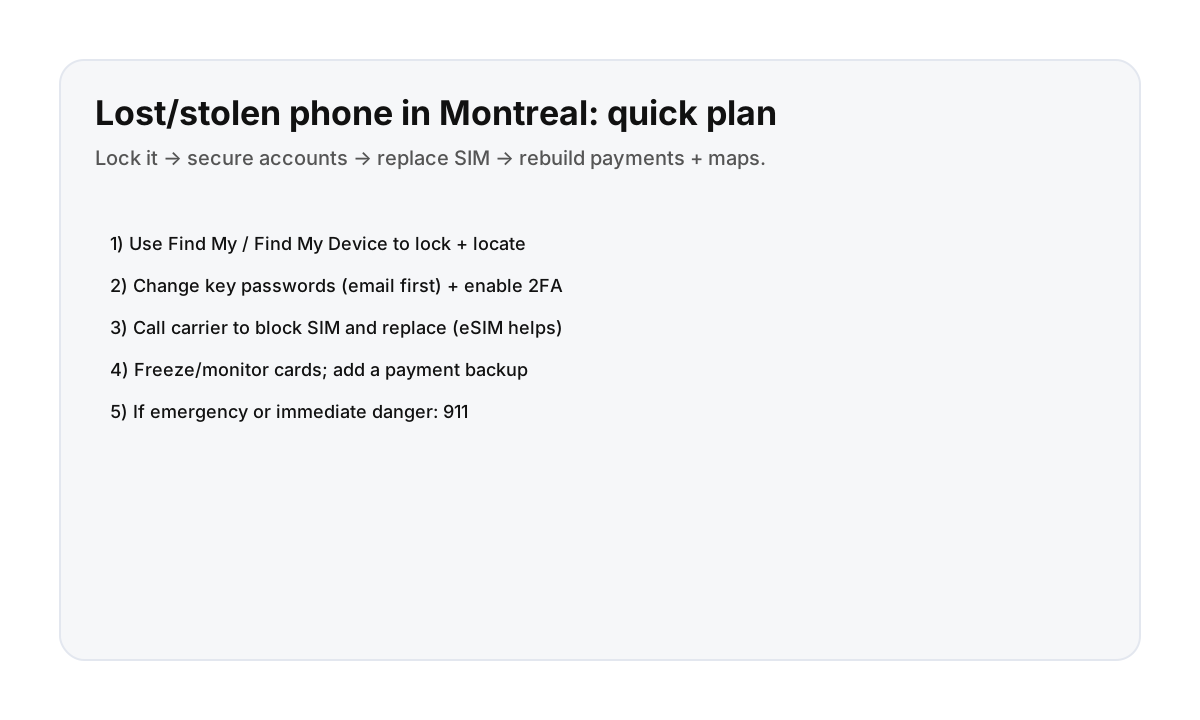

Step 1: lock the phone (immediately)
- Use Find My (Apple) or Find My Device (Android) to lock and locate.
- If you can, enable lost mode and display a contact message.
- If the phone looks stolen (not simply misplaced), don’t chase—prioritize safety.
Step 2: secure accounts (email first)
Your email account is the key to password resets. Secure it first.
- Change your email password.
- Enable/restore 2FA (authenticator app, backup codes).
- Sign out other sessions if your provider supports it.
Step 3: block and replace SIM/eSIM
- Call your carrier to block the SIM and prevent SIM-swap abuse.
- Replace with a new SIM or activate a new eSIM if available.
- Use stable connectivity to rebuild maps, banking, and travel apps.
Step 4: protect payment methods
- Freeze/monitor cards in your banking apps.
- Remove the phone as a trusted device if needed.
- Set up a payment backup so you can keep moving.
Step 5: rebuild trip essentials (so the day doesn’t collapse)
- Save your stay address in Notes.
- Download offline maps for your neighborhood.
- Check STM alerts if you’re moving around.
Direct booking helps when you lose something important
Being able to reach support quickly for entry instructions, replacement keys, or local help matters when a phone goes missing.
FAQ
What should I do first if my phone is lost in Montreal?
Lock it using Find My / Find My Device, then secure your email account, then block/replace your SIM. After that, protect cards and rebuild essentials like maps.
Should I file a police report?
If you believe it was stolen or you need documentation for insurance, a report can help. Prioritize your immediate security steps first.
Can I keep traveling without a phone?
Yes. Use a backup device if you have one, rely on offline maps and saved addresses, and keep payments and ID secure. Simplify your day and avoid tight schedules until you’re stable again.