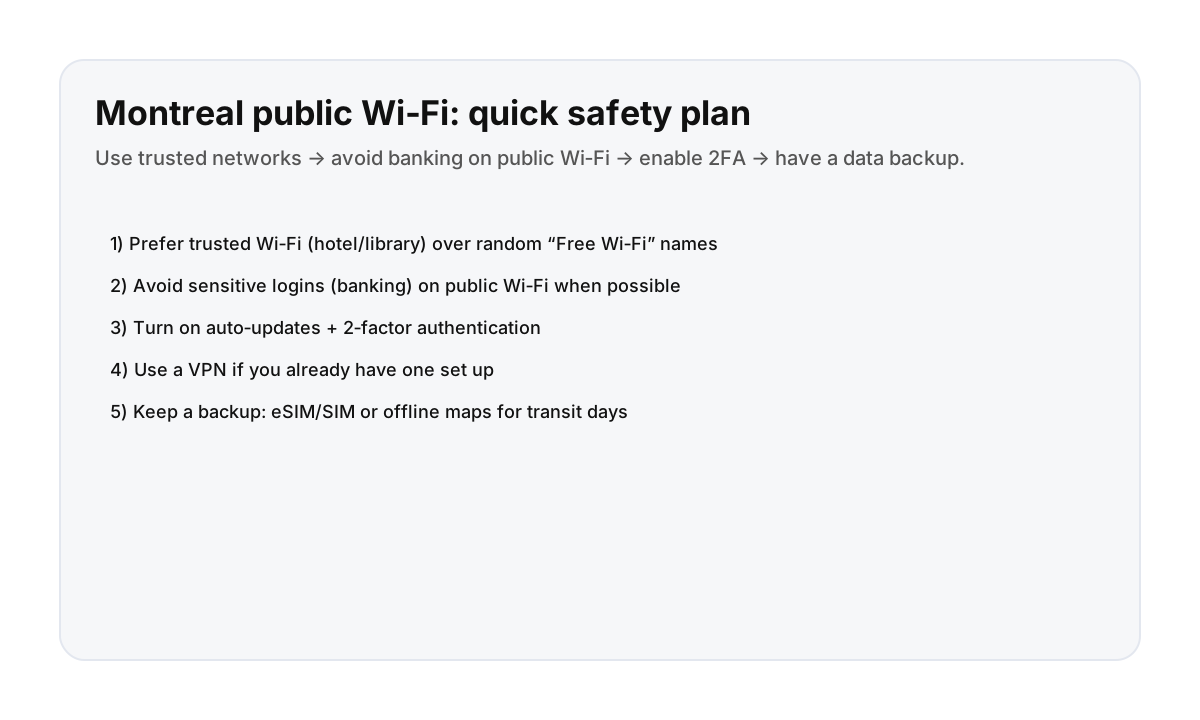

A simple public Wi‑Fi safety plan (visitor-friendly)
- Prefer trusted Wi‑Fi: your accommodation, public libraries, or clearly verified café networks.
- Avoid sensitive tasks on random Wi‑Fi (banking, large account changes) when possible.
- Turn on 2FA for key accounts (email, banking, travel accounts).
- Keep devices updated (OS + apps) so you’re protected against known issues.
- Have a backup: eSIM/SIM data + offline maps so you’re not dependent on Wi‑Fi.
Practical travel guidance only. For high-risk work, use your organization’s security policy.
Where to find “good” Wi‑Fi in Montreal
- Your stay’s Wi‑Fi (best for sensitive logins)
- Public libraries (reliable + calm reset spot)
- Cafés (fine for casual browsing; still be cautious)
Red flags: don’t connect blindly
- Networks with generic names like “Free Wi‑Fi” with no staff confirmation
- Multiple similar network names (look‑alikes)
- Login pages asking for unnecessary personal info
Best backups when Wi‑Fi fails
- Offline maps + saved metro routes
- eSIM/SIM data for transit days and late nights
- Payment backup (don’t get stranded if you can’t load an app)
Direct booking keeps your trip calmer
A predictable base usually means reliable Wi‑Fi and fewer logistics surprises—so you’re not forced onto random networks when you’re tired or in a rush.
FAQ
Is public Wi‑Fi safe in Montreal?
It can be fine for casual browsing, but you should treat unknown Wi‑Fi as untrusted. Use trusted networks when possible, avoid banking on random networks, and enable 2‑factor authentication.
Should I use a VPN on public Wi‑Fi?
If you already have a VPN set up, using it on public Wi‑Fi can add protection. Don’t install random VPN apps last-minute—use a reputable service you trust.
What’s the easiest backup if Wi‑Fi is slow?
Have an eSIM/SIM data plan and keep offline maps saved. That way you can navigate and message without relying on Wi‑Fi.