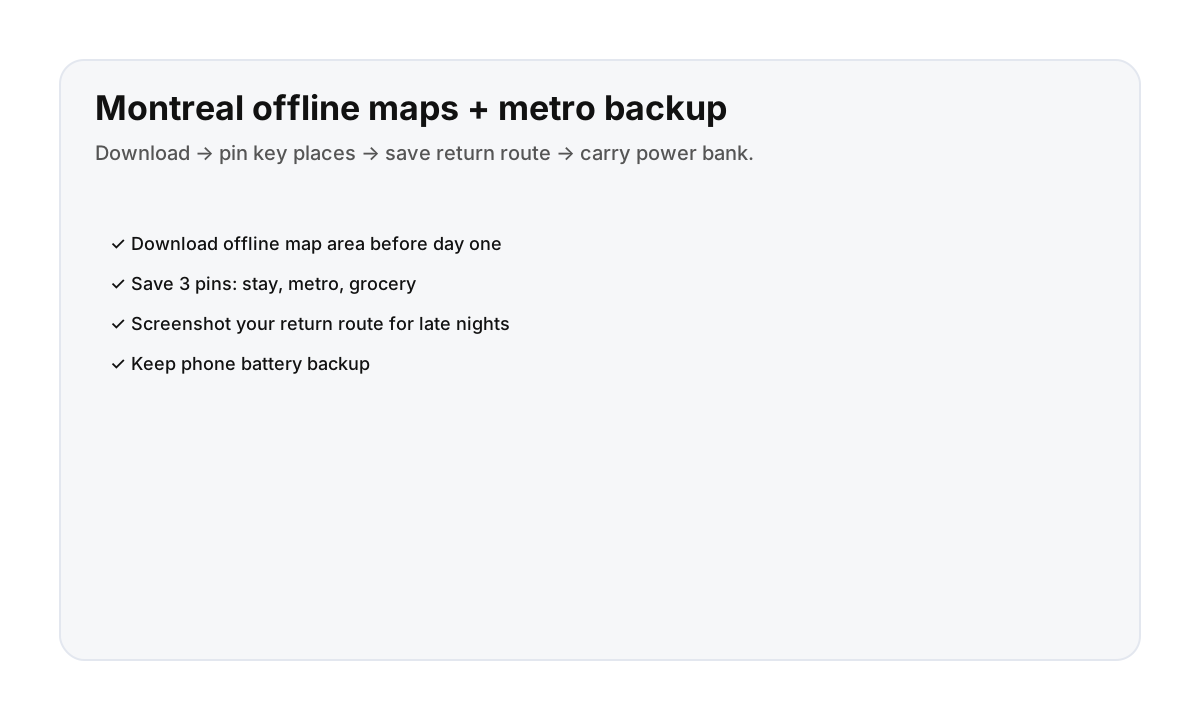

Offline setup (10 minutes, worth it)
- Download an offline map area that covers your base + the zones you’ll visit most.
- Save 3 pins: your stay, your nearest metro station, and a grocery/convenience stop.
- Screenshot your late return route (metro or night bus) while you have battery + signal.
- Carry a power bank and keep low-power mode ready for evenings.
Why this matters in Montreal
- Maps + photos drain battery fast on full sightseeing days.
- Late returns are smoother when you’ve pre-saved the route.
- Offline backup reduces decision fatigue (especially after events).
Direct booking helps (less friction)
A stay with clear check-in instructions and a transit-first base makes day-one navigation easier—especially when you’re tired.
FAQ
Do I really need offline maps in Montreal?
You can get by without them, but offline maps are a great backup if your phone battery drops or signal is spotty.
What should I screenshot for a late return?
Your route back to your stay (including station names/stops) and one backup option.
What are the best pins to save?
Your stay, your nearest metro station, and one reliable grocery/convenience stop.