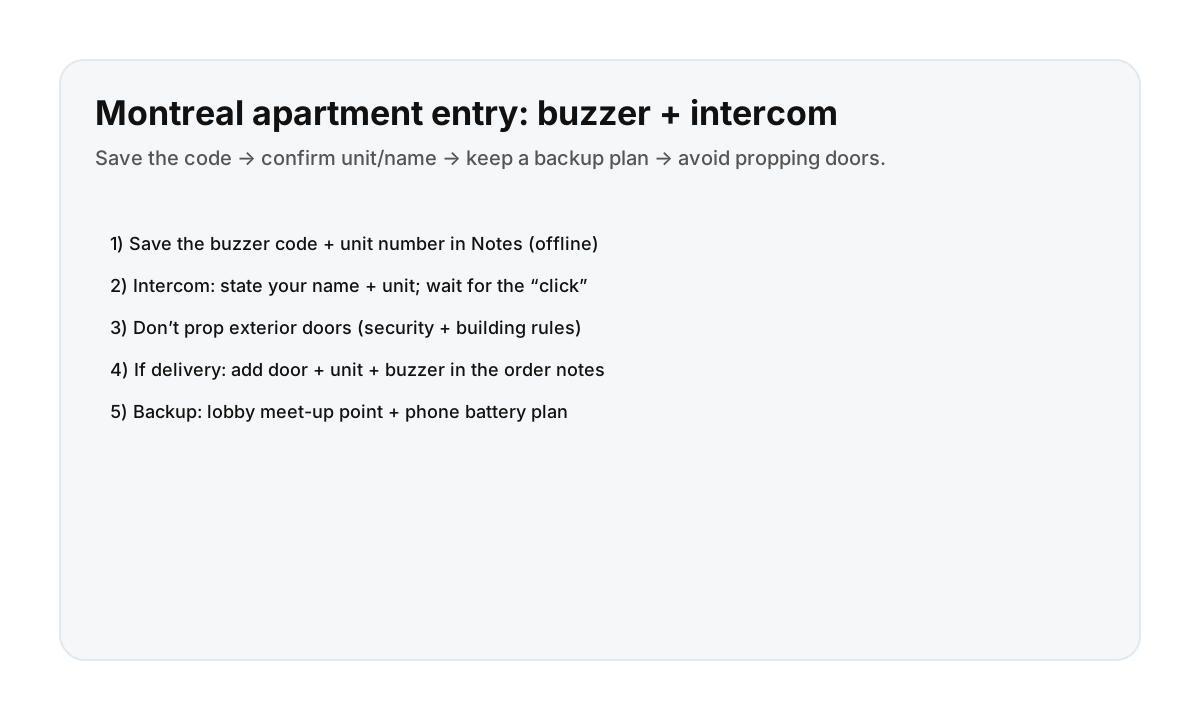

What to save on day 1 (so you don’t get stuck)
- Building address (copy/paste ready)
- Unit number
- Buzzer code or the exact name shown on the directory
- Host contact method (and a second contact if provided)
Tip: save this in Notes so it’s accessible even with weak signal.
How Montreal intercoms usually work (simple)
- Find your name/code in the directory.
- Press the buzzer / call button.
- Say your name + unit (example: “Hi—Alex for unit 302”).
- Wait for the “click” and open the door.
Building security: what not to do
- Don’t prop exterior doors (security + rules).
- Don’t let unknown people tailgate behind you.
- If you’re unsure, reset inside and contact your host.
Deliveries (grocery/food): make the driver’s job obvious
In your order notes, include:
- Street address + door location (front/side)
- Unit number
- Buzzer code/name
- Your preferred handoff: “Meet in lobby” is often the simplest
Backup plans that actually work
- Battery plan: low power mode + carry a charger/power bank.
- Meet point: pick one obvious spot (front steps / lobby) and stick to it.
- Arrival timing: avoid “arrive exactly at midnight” plans—leave buffer.
Direct booking makes entry logistics easier
Clear instructions and fast support matter most at the door. Direct booking helps keep communication simple and predictable.
FAQ
What is a “buzzer” in Montreal apartments?
A buzzer is the intercom/directory system at the front door that calls your unit (or a coded entry) so the door can be unlocked from inside.
What should I do if I can’t get in?
Reset inside a safe spot (lobby/café), confirm the unit + buzzer info, and contact your host. Avoid propping doors open or following strangers.
How should I handle deliveries to an apartment building?
Add the door location, unit number, and buzzer code/name in the order notes, and choose a simple handoff like “meet in lobby.”