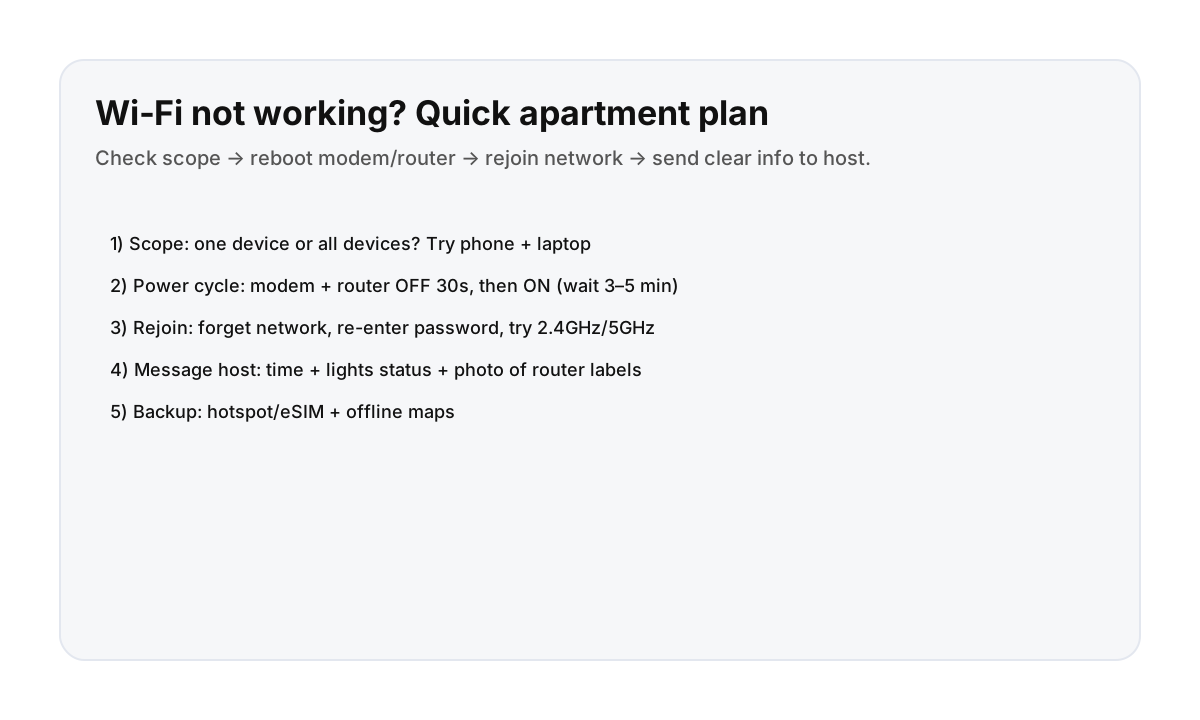

Step 1: confirm scope (one device or all?)
- Try on two devices (phone + laptop).
- Note whether you can connect to the network but pages won’t load (connected / no internet), or you can’t join the network at all.
- If only one device fails, it’s often a device setting, not the apartment internet.
Step 2: safe modem/router reboot (power cycle)
- Unplug power from modem and router (or the all‑in‑one gateway).
- Wait 30 seconds.
- Plug them back in and wait 3–5 minutes for lights to stabilize.
- Try reconnecting again.
Avoid pressing hidden “factory reset” buttons unless your host explicitly tells you to.
Step 3: rejoin the network (quick fixes)
- “Forget” the Wi‑Fi network and re-enter the password.
- If the network offers two names (2.4GHz/5GHz), try the other one.
- Toggle airplane mode ON → OFF (phone) to refresh the connection.
Step 4: message your host (what to include)
- When it started (time)
- Whether it affects all devices
- Whether you can join Wi‑Fi but have no internet
- A photo of modem/router lights + labels (model, ISP name if shown)
This is exactly what the host needs to escalate with an ISP without guessing.
Backup options (so your day doesn’t collapse)
Even if the apartment Wi‑Fi is down, you can keep moving with simple backups:
Direct booking makes internet issues easier to resolve
Fast, clear support matters when something essential breaks. Direct booking helps keep communication simple and responsive.
FAQ
What’s the fastest fix when Wi‑Fi stops working?
Confirm if it affects all devices, then power cycle the modem/router (OFF 30 seconds, then ON and wait). If it still fails, message your host with a photo of the modem/router lights.
Should I press the factory reset button?
No—not unless your host tells you to. Factory resets can erase network names and passwords and make troubleshooting slower.
What should I send my host?
The time it started, whether all devices are affected, whether you can join Wi‑Fi but have no internet, and a photo of the modem/router lights and labels.