
Quick steps to unlock (most keypad locks)
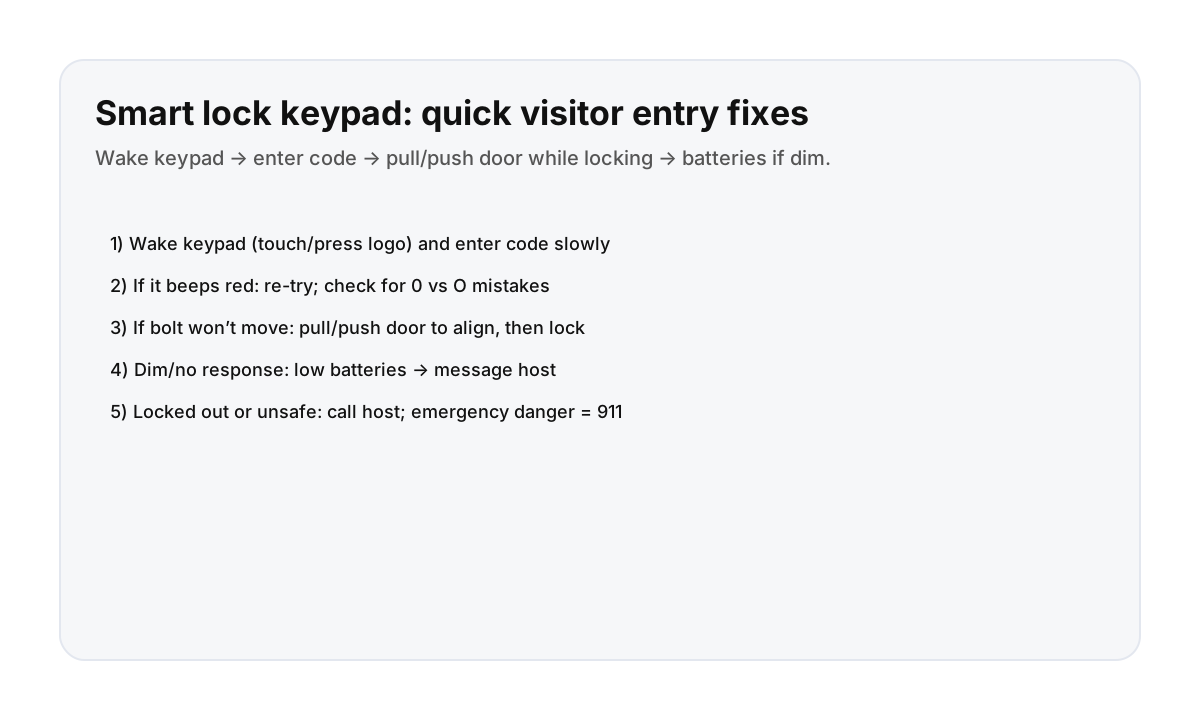
- Wake the keypad (touch the screen or press a logo/button).
- Enter the code slowly and wait for the lock to respond.
- If it flashes/beeps red: re‑try and double-check digit mix-ups (0 vs O, 1 vs I).
- If you hear a motor but the bolt doesn’t move: pull or push the door slightly to align the latch, then try again.
- Once open, close the door firmly before locking.
Common reasons the lock “fails” (and easy fixes)
- Door not fully closed → close firmly.
- Deadbolt binding because the door is slightly off → pull/push while locking.
- Low batteries → keypad dim/slow → message host.
- Wrong code → recheck the message from your host.
If you’re locked out (best next steps)
- Message/call your host with a photo of the keypad and what it’s doing (lights/beeps).
- Stand in a safe, well-lit area (lobby if possible).
- If it’s urgent and you can’t reach anyone, follow your booking platform’s emergency support steps.
Direct booking makes access issues easier
Door code and building entry problems are the kind of thing you want solved fast. Direct booking keeps communication simple and responsive.
FAQ
Why won’t the deadbolt retract?
Usually the door is slightly misaligned. Pull or push the door while unlocking so the bolt can move freely.
What do the beeps/lights mean?
It varies by brand, but red flashes/beeps often mean wrong code or the bolt couldn’t move. Try again with the door pulled/pushed into alignment.
Should I keep trying codes?
A couple tries is fine, but repeated failures can trigger lockout on some models. If it keeps failing, message your host.