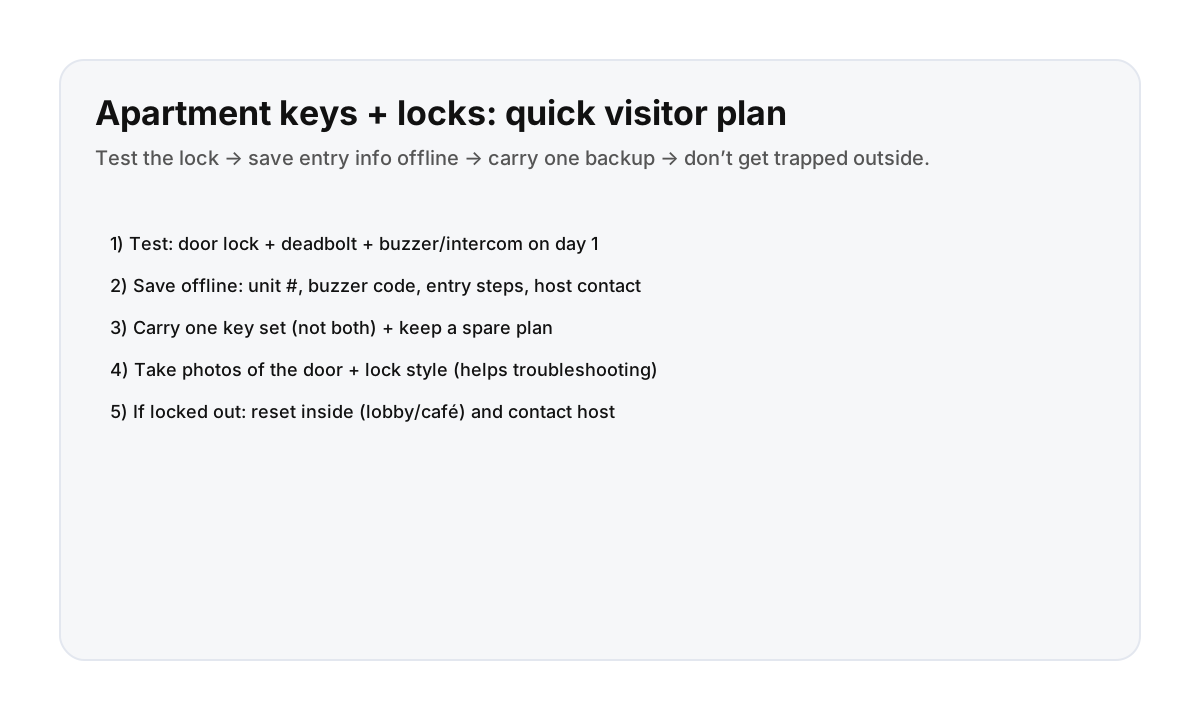

Day 1 checklist (do this once, then you’re set)
- Test the building entry: buzzer/intercom, door release, and any second door.
- Test the unit lock: key works smoothly, deadbolt turns fully, door latches reliably.
- Save the entry info offline: address, unit number, buzzer code/name, step-by-step entry notes, host contact.
- Choose your spare plan: who holds the spare, or where/how you can retrieve it (host instructions).
- Take quick photos: the door, lock style, and any keypad/knob (helps if you need troubleshooting).
Common lockout causes (and the simple fix)
- Deadbolt left engaged: confirm the door is fully closed before turning the key.
- Two-door buildings: don’t assume the lobby door will open the same way every time.
- Phone dies at the door: save buzzer + unit info offline, carry a charger/power bank.
- Keys left inside: make “keys in pocket” your exit ritual.
If you get locked out (calm + safe sequence)
- Move to a safe indoor reset spot (lobby if allowed, café nearby).
- Open your offline Notes and confirm the entry steps.
- Contact your host with a clear message (time, door, what you tried).
- If you’re in immediate danger, call 911.
Direct booking makes entry support easier
Door issues are the worst when you’re tired. Clear instructions and responsive support matter most at the entrance.
FAQ
Do Montreal apartments usually have deadbolts?
Many do, especially older buildings and upgraded units. The key is to test the lock and deadbolt once on day one and save the entry steps offline.
What’s the best habit to avoid a lockout?
Make “keys in pocket” your exit ritual and keep entry info in offline Notes so you don’t rely on signal or battery.
What should I do if I’m locked out?
Reset indoors, confirm the entry steps, and contact your host. Don’t tailgate strangers into the building, and call 911 only for emergencies.