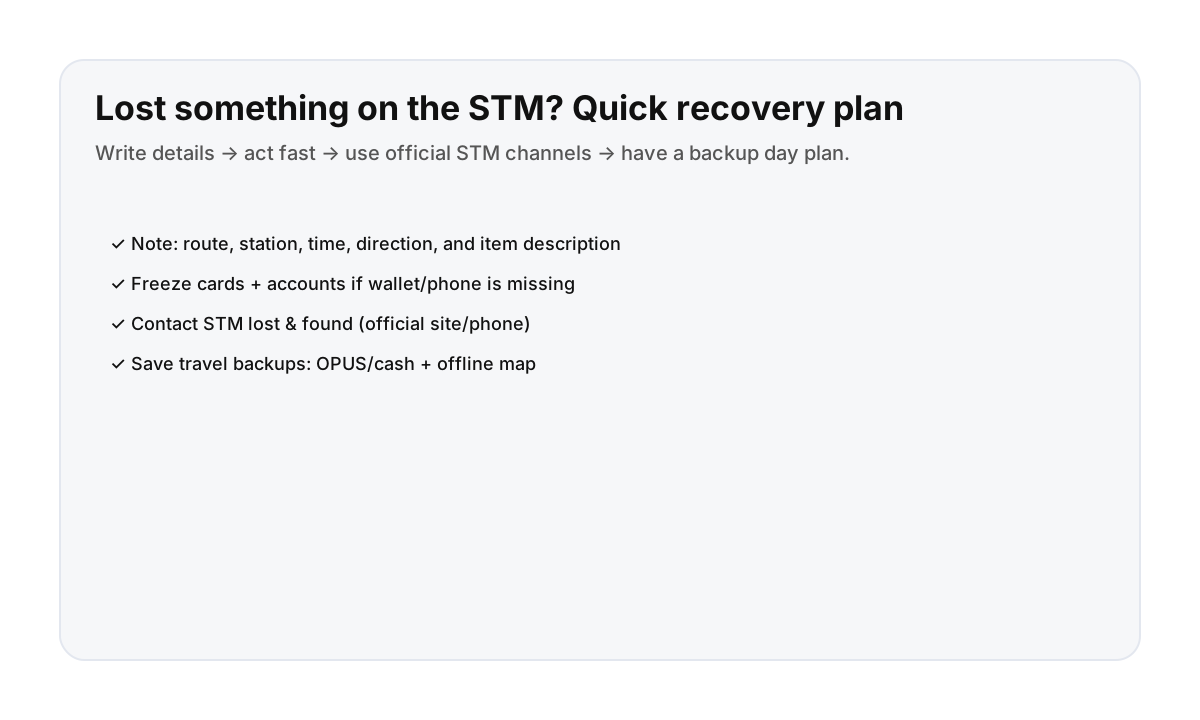

Step-by-step: what to do right away
- Write the details: line/bus number, station/stop, time, direction, and what the item looks like.
- Secure the important stuff: freeze cards, lock phone accounts, and change passwords if needed.
- Contact STM lost & found: use the STM website/phone for the most up-to-date process.
- Plan your backup travel: keep moving with OPUS/cash, offline maps, and a simple route.
This is practical visitor guidance, not an official STM policy page. Always confirm current steps via STM.
What info helps lost & found most
- Exact time window (even 10–15 minutes helps)
- Station/stop + direction of travel
- Which line (metro line or bus route number)
- Distinctive item details (color, brand, case, stickers)
How to keep your day moving while you wait
- Use a simple “one neighborhood” plan (reduce transfers).
- Keep a payment backup plan (cash/ATM/contactless).
- Save an offline map so you’re not dependent on a single phone.
Direct booking reduces day-one stress
Clear check-in instructions and quick support help when something unexpected happens—like a missing item on transit.
FAQ
What if I lost my OPUS card on the STM?
Start with the same steps: note where/when you lost it and contact STM lost & found. For immediate travel, plan a temporary fare option so you can keep moving.
What if I lost my phone on the metro?
Secure your accounts first (lock device/accounts if possible), then contact STM lost & found with clear details about where and when you lost it.
How long does lost & found take?
It varies. The sooner you report it with good details, the better your chances.