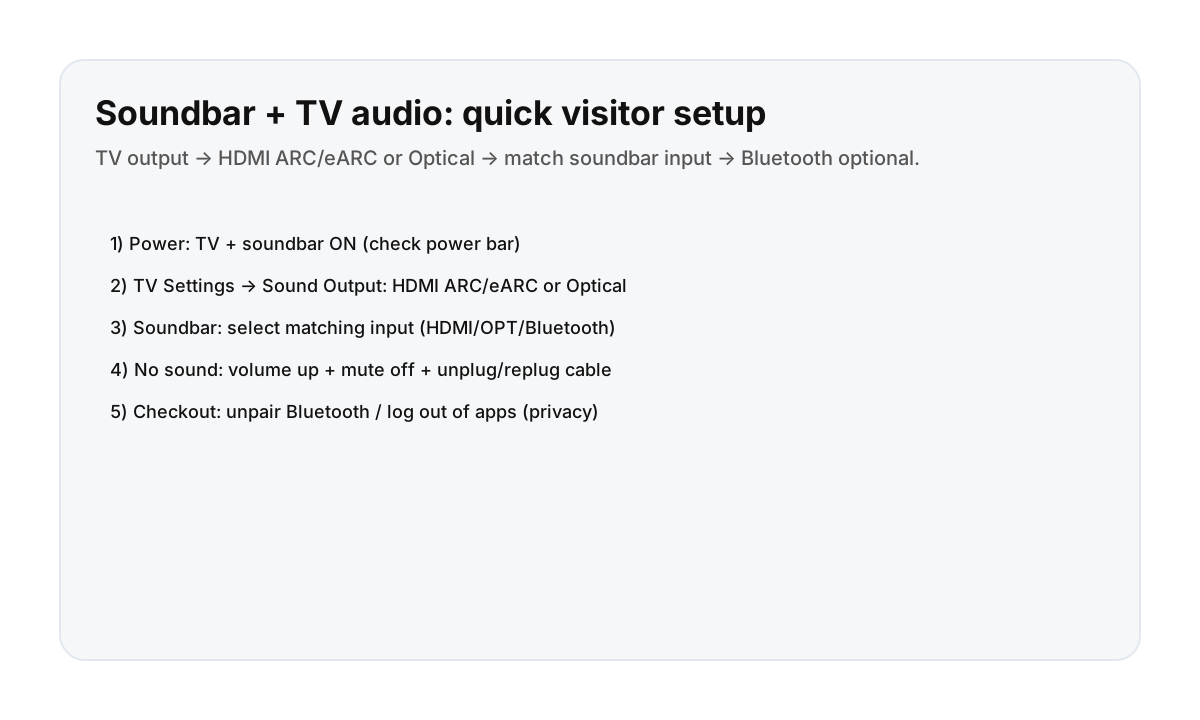

Quick steps (most apartments)
- Power on the TV and the soundbar (check any power bar behind the TV).
- On the TV: Settings → Sound → Sound Output and choose HDMI ARC/eARC or Optical.
- On the soundbar: select the matching input (HDMI/ARC or OPT/Optical).
- Turn volume up on both devices and confirm Mute is off.
- Still no sound? Unplug/replug the cable and message your host with a photo of the TV sound output screen.
HDMI ARC/eARC vs Optical (simple explanation)
- HDMI ARC/eARC: one cable, usually best, can allow TV remote volume control.
- Optical: reliable, common; may require using the soundbar remote for volume.
Bluetooth pairing (for music)
- Put the soundbar in Bluetooth pairing mode.
- On your phone: Bluetooth → select the soundbar name.
- When done: forget/unpair the device so future guests can pair easily.
Common “no sound” fixes
- Wrong soundbar input (HDMI vs OPT vs BT).
- TV output set to “TV speakers” instead of ARC/Optical.
- Muted volume on TV or soundbar.
- Loose HDMI/optical cable.
Checkout privacy checklist
- Log out of Netflix/YouTube/Prime on the TV.
- Unpair Bluetooth devices from the soundbar.
- Disconnect any HDMI cable you added (laptop).
Direct booking makes tech help faster
If the inputs are confusing, a quick photo solves it quickly. Direct booking keeps support responsive.
FAQ
Why can’t I control the soundbar volume with the TV remote?
That usually requires HDMI ARC/eARC with CEC enabled. If you’re using optical, you often need the soundbar remote for volume.
Which cable should I use: HDMI ARC or optical?
If the TV and soundbar both support ARC/eARC, use HDMI ARC/eARC. Otherwise optical is fine and reliable.
Why won’t Bluetooth connect?
The soundbar may already be paired to another device. Put it back into pairing mode, or ask your host to clear pairings if needed.