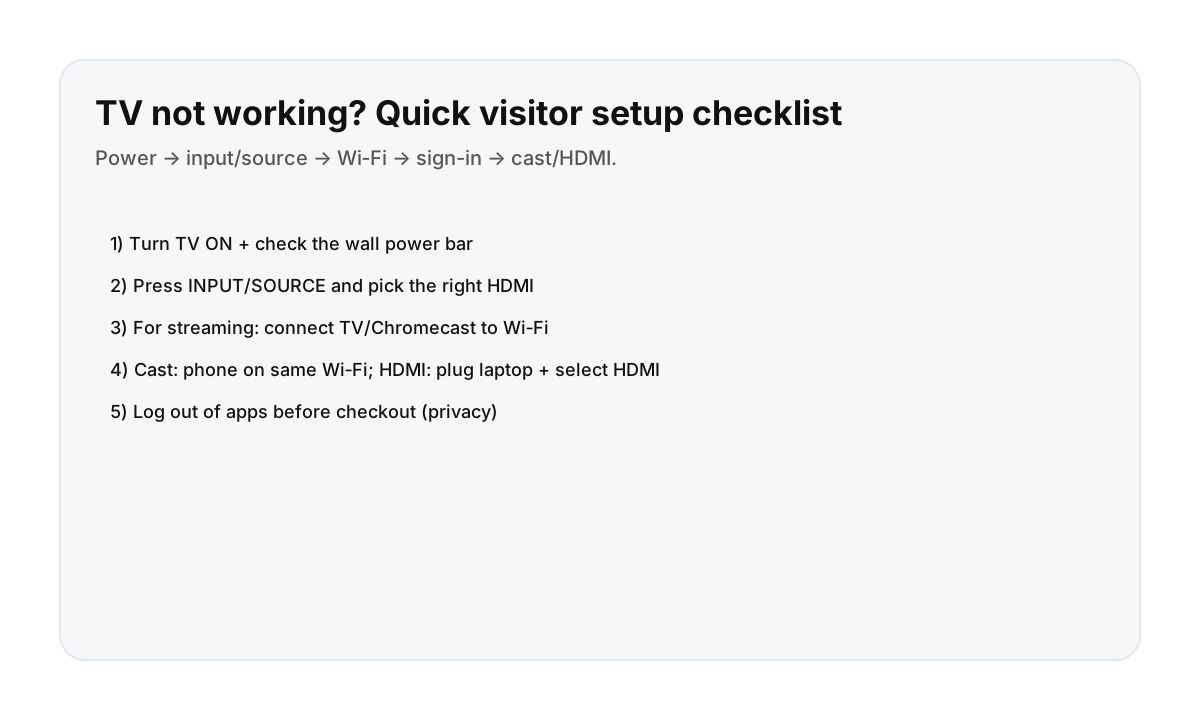

Fast setup checklist (most Montreal apartments)
- Power: TV on + check any power bar behind the TV.
- Input: press INPUT/SOURCE and choose the right HDMI (try HDMI 1/2/3).
- Wi‑Fi: connect TV/Chromecast to the apartment Wi‑Fi.
- Streaming: open Netflix/YouTube and sign in (QR code is usually fastest).
- Cast/HDMI: phone must be on same Wi‑Fi to cast; laptop HDMI requires selecting the matching HDMI input.
If the remote has a TV vs HDMI vs Input button, that’s your best friend.
Common problems + quick fixes
- “No signal”: wrong HDMI input—cycle through inputs.
- Remote won’t work: replace batteries; make sure you’re aiming at the TV sensor.
- Can’t cast: phone not on the same Wi‑Fi as the Chromecast/TV.
- Wi‑Fi works on phone but not TV: reconnect TV to Wi‑Fi or restart the router if allowed.
Checkout privacy checklist
- Log out of Netflix/YouTube/Prime Video.
- Remove any Bluetooth pairings (soundbar/headphones) if you added them.
- If you casted from your phone, disconnect the cast session.
If you can’t find logout settings, message your host—they can reset the TV profile.
Direct booking = faster help when tech is confusing
If the TV input labeling is weird or a Chromecast isn’t connected, a quick photo to your host usually solves it. Direct booking keeps support responsive.
FAQ
Why does the TV say “No signal”?
Almost always: wrong input/source. Press INPUT/SOURCE and choose the HDMI that matches the device (Chromecast, cable box, etc.).
Why can’t I cast to the TV?
Your phone must be on the same Wi‑Fi as the Chromecast/TV. If you’re on a guest network, switch to the same network name the TV uses.
How do I sign in without typing a long password?
Use the QR code/sign-in code on screen (common for Netflix/YouTube). It’s faster and avoids typing on a remote.