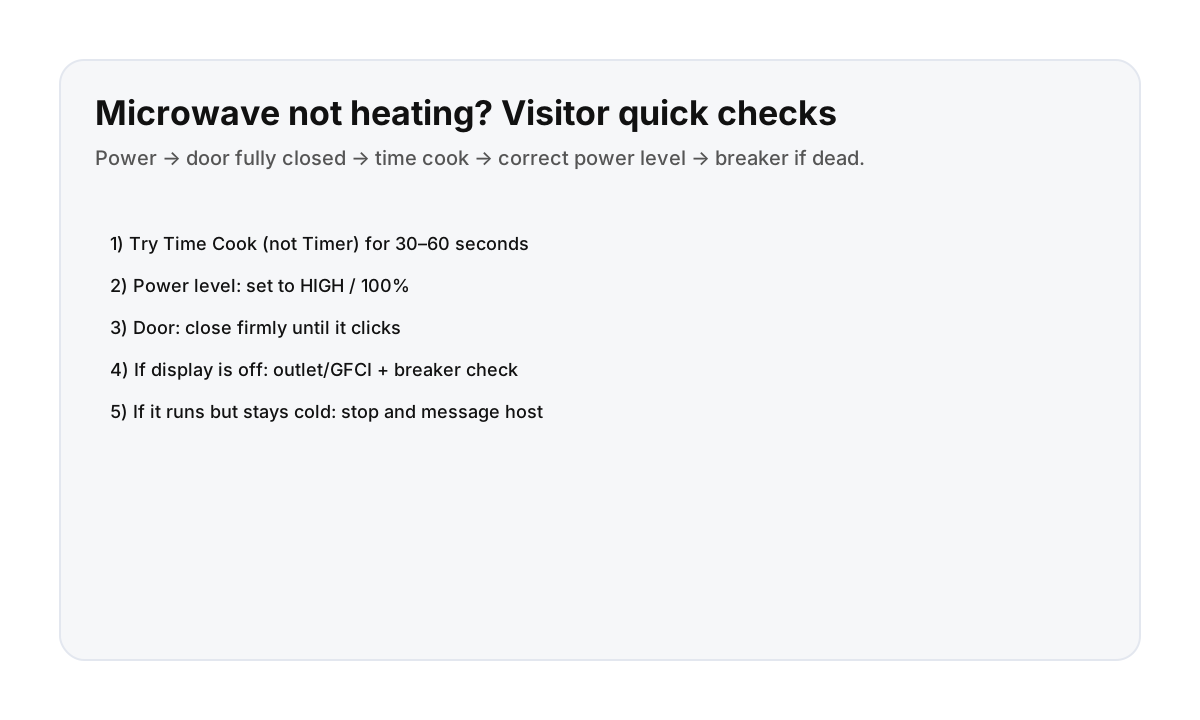

Quick checklist (90 seconds)
- Use “Time Cook” (not “Timer”): try 30–60 seconds with a cup of water.
- Set Power = HIGH / 100%: some microwaves remember a low power setting from the last use.
- Close the door firmly until you hear/feel a click.
- Cancel/Reset once, then try again.
- If it still won’t heat: stop and message your host with a photo of the control panel and any error text.
If the display is completely off
- Check the outlet (some kitchen outlets are on a GFCI reset).
- Look for a tripped breaker if multiple kitchen things lost power.
- Try a different small appliance in the same outlet to confirm power.
Why “Timer” looks like it’s cooking (but isn’t)
On many models, the timer counts down with the light on, but it doesn’t energize the magnetron (the heating part). If your food stays cold but the clock counts down, switch to Cook/Start.
Direct booking = quicker help for apartment basics
When an appliance is confusing, fast support saves time (and dinner). Direct booking helps keep communication simple and responsive.
FAQ
Why does the microwave run but not heat?
Most commonly: you started the Timer instead of Cook, the power level is set low, or the door isn’t fully latched. Try the quick checklist first.
Is it normal to wait a few seconds after closing the door?
Yes—just make sure it fully latches. If it needs a firm close to click, that’s common in rentals.
What should I send my host?
A photo of the control panel, the model label (if visible), and what you tried (Cook mode, power level, door click).