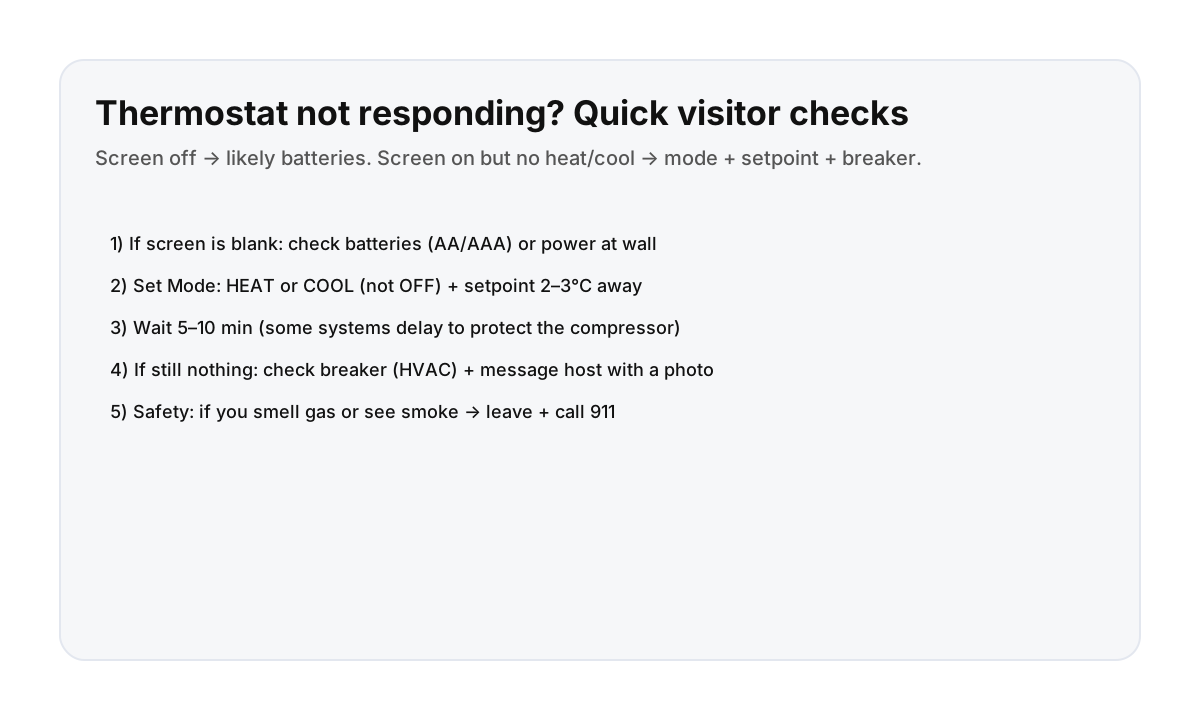

Quick steps (works for most smart thermostats)
- Is the screen blank? That usually means batteries are dead or the thermostat isn’t getting power.
- Set the Mode to HEAT or COOL (not OFF).
- Move the setpoint 2–3°C (or ~4–5°F) away from room temp.
- Wait 5–10 minutes (normal delay on many systems).
- If nothing changes: message your host with a photo + what you tried.
Visitor-friendly rule: don’t force “advanced settings” you don’t recognize—ask your host.
Batteries: what visitors should know
- Some wall thermostats use AA/AAA batteries (often behind the faceplate).
- Some smart thermostats recharge from the HVAC wiring; if that power is interrupted, the screen may go blank.
- If you’re not sure, take a photo and ask your host before removing anything.
Common “it’s not working” causes (non-scary ones)
- Mode is OFF or set to the wrong season (HEAT vs COOL).
- Setpoint too close to room temperature.
- Delay timer (especially cooling systems).
- Breaker tripped (HVAC/heat pump label).
What to send your host (so you get a fast fix)
- A clear photo of the thermostat screen (or blank screen)
- The Mode you selected (HEAT/COOL)
- Current room temp and the set temperature you tried
- Any error message or blinking light
Direct booking helps with quick “apartment basics” support
When something like climate control is confusing, a fast reply saves your day. Direct booking keeps support simple and responsive.
FAQ
My thermostat screen is blank—what should I do first?
Assume batteries or power: check for a low‑battery warning (if visible), and message your host with a photo before removing the faceplate.
Why does it take a few minutes to start heating/cooling?
Many systems have a safety delay to protect equipment. Waiting 5–10 minutes is normal.
Should I reset breakers myself?
If you’re comfortable and the panel is clearly labeled, you can reset a tripped breaker once. If it trips again, stop and contact your host.