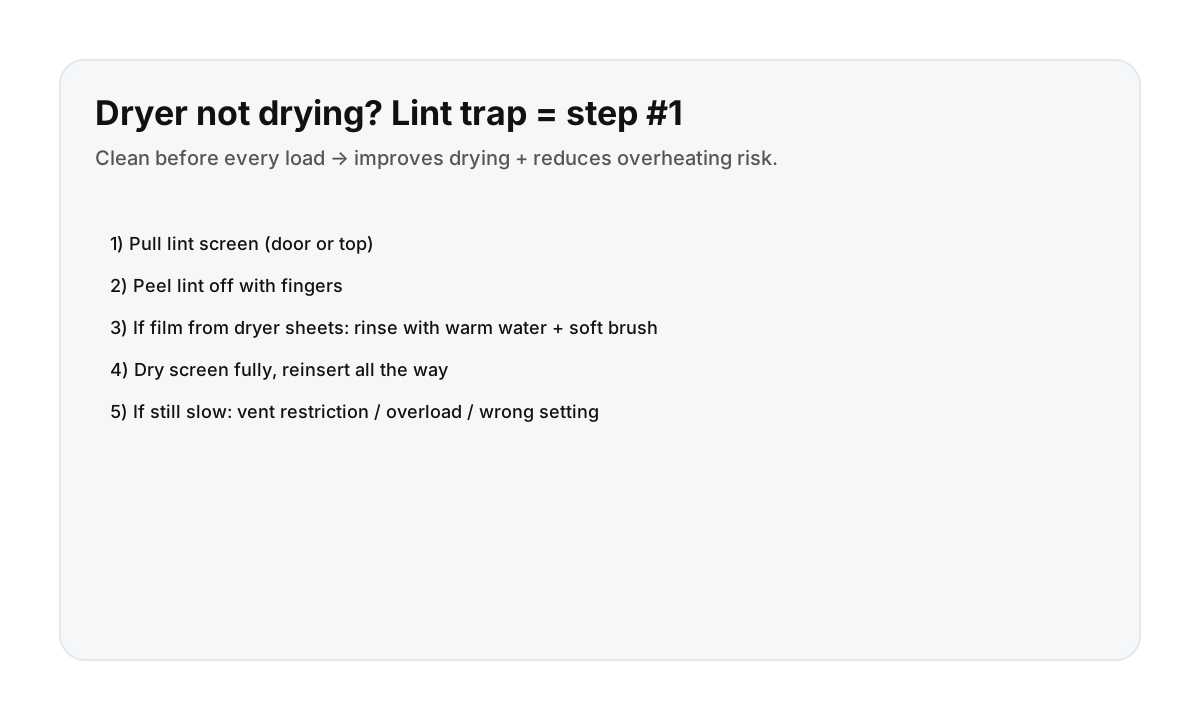

How to clean the lint trap (visitor-safe steps)
- Find the lint screen: often inside the dryer door opening, or on top of the dryer.
- Pull it out gently.
- Peel lint off with your fingers and discard.
- If airflow still seems weak: rinse the screen under warm water and lightly scrub with a soft brush (this removes dryer-sheet film).
- Dry the screen fully and reinsert it all the way.
Do this before every load. It improves drying and reduces overheating risk.
Why clothes still aren’t drying (common Montreal-apartment reasons)
- Overloaded drum: run a smaller load.
- Wrong cycle: “Air fluff” won’t dry; use a heat cycle when appropriate.
- Vent restriction: if the lint trap is clean but drying is still very slow, the building vent may be restricted—message your host.
- High humidity: in some seasons, drying may take longer; consider a second short cycle.
What to message your host (so they can help fast)
- Photo of the dryer model label (if visible)
- What cycle you used and the load size
- Confirm you cleaned the lint trap
- Any warning lights or error codes
Direct booking makes “apartment basics” support easier
When something small like laundry slows you down, clear instructions and fast replies matter.
FAQ
How often should I clean the lint trap?
Before every load. It’s the simplest way to improve drying and prevent overheating.
What is the “film” on the lint screen?
Dryer sheets and fabric softener can leave a waxy residue that blocks airflow. Warm water + a soft brush usually removes it.
What if the dryer still won’t dry?
Try a smaller load and a heat cycle. If it’s still very slow after cleaning the lint trap, message your host—venting or a maintenance issue may be involved.