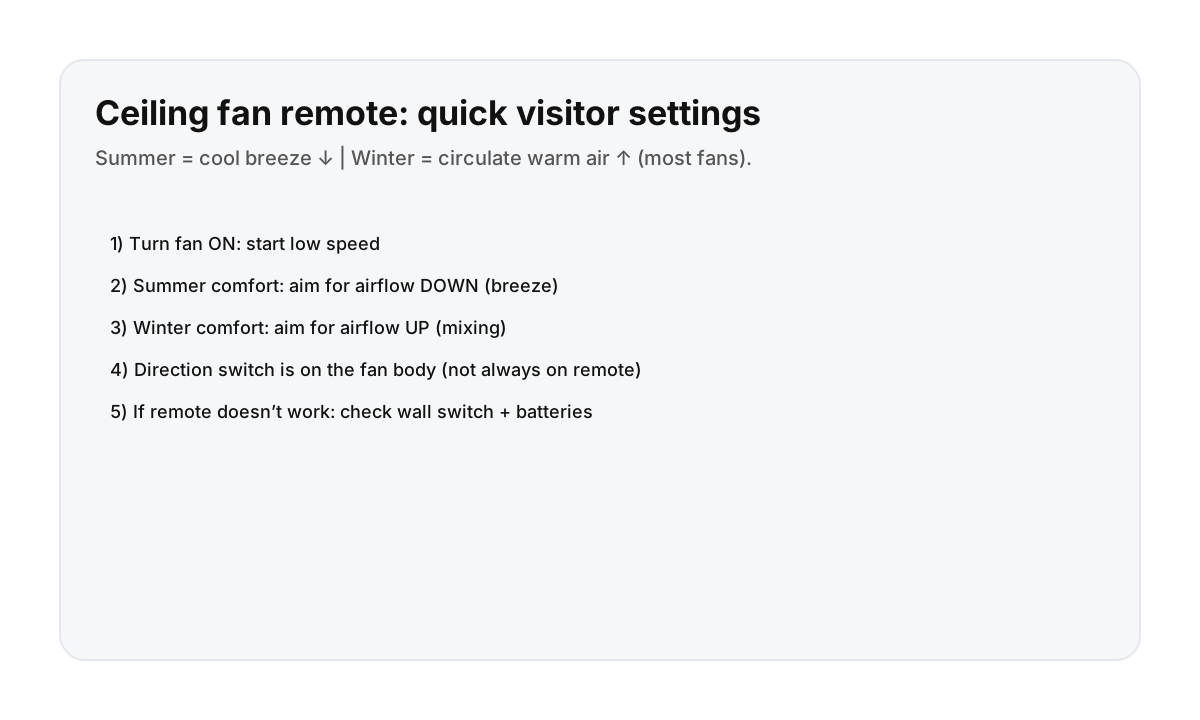

Simple settings that work (most remotes)
- Speed: start low, then increase if needed.
- Summer (warm days): set direction so air moves down (cooling breeze).
- Winter (heating season): set direction so air moves up (mixes warm air near ceiling).
Tip: if you feel a strong draft in winter, the direction is probably set for summer.
Where the direction switch usually is
Look on the fan body (near the motor housing). Many fans have a tiny toggle switch that changes direction. For safety, turn the fan off before switching direction.
If the remote doesn’t work (fast troubleshooting)
- Make sure the wall switch is ON (some fans need constant power).
- Replace the remote batteries.
- Try the fan’s pull chain if it has one.
- If nothing responds: message your host with a photo of the remote + fan.
Light button basics
Some remotes toggle the fan’s light: on/off, dimming, or color temperature. If the light won’t turn on, check the wall switch and bulbs (host may need to replace).
Direct booking makes comfort fixes faster
If you’re hot, cold, or the fan remote is confusing, a quick message usually solves it. Direct booking keeps support responsive.
FAQ
Which direction should a ceiling fan spin in summer?
Most people want airflow down (a breeze). Direction is controlled by a small switch on the fan body.
Why use a ceiling fan in winter?
It helps mix warm air that sits near the ceiling, improving comfort without turning the heat up as much.
Why does the remote do nothing?
Often the wall switch is off or the remote batteries are dead. Turn the wall switch on and replace batteries first.